
Prove it’s really you with a Proofie™
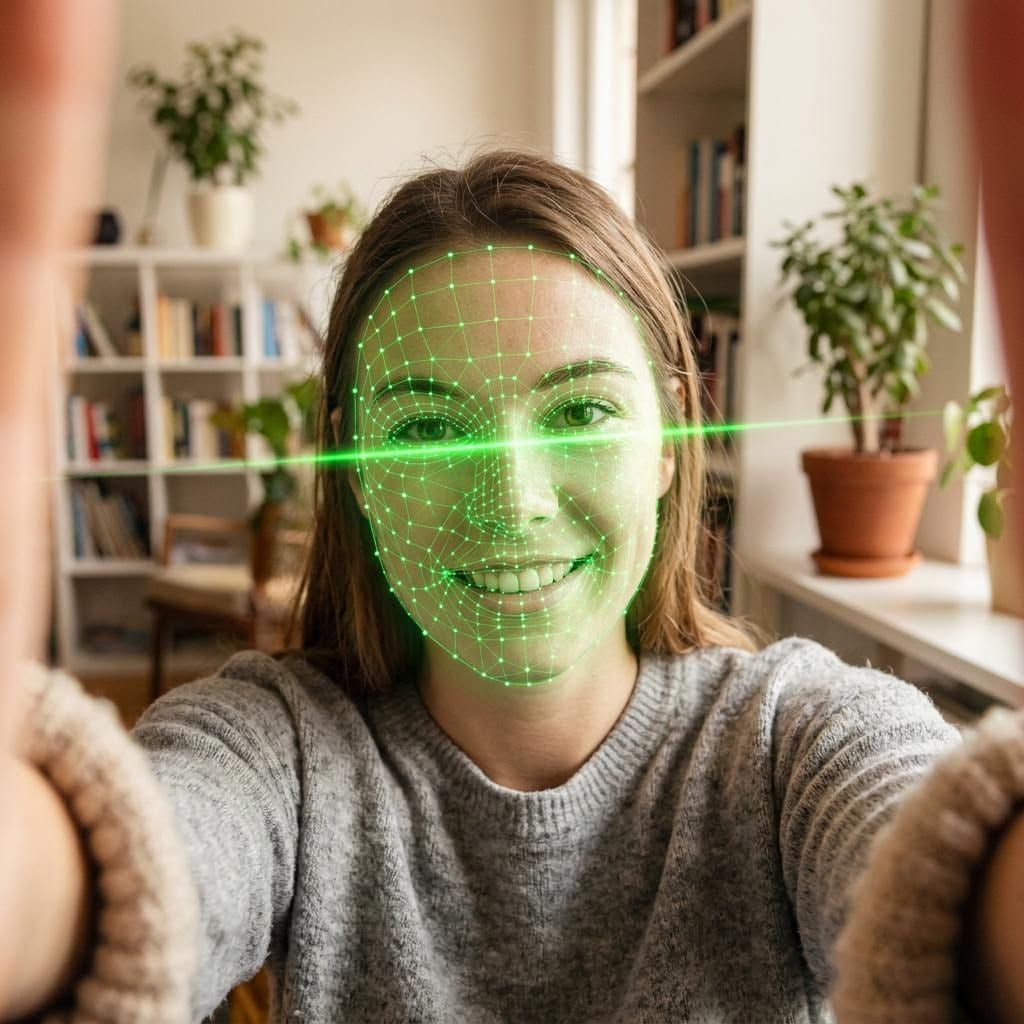
A Proofie™ is a selfie signed by your passkey the moment you take it. Use the Trust Onion app to send and verify Proofies™. Check the signing key against the person’s full public key in your shared group, and verify that the exact original photo has not changed since it was signed.

A photo isn’t proof anymore.
Anyone can make a convincing picture of anyone in seconds. A photo on its own can’t tell you who took it, when it was taken, or whether it has been changed. That gap is exactly where scammers work.
Deepfakes and AI photos
Image generators produce realistic faces, rooms and “selfies” on demand. Looking real is no longer evidence.
Catfishing
Stolen and recycled photos power fake dating profiles. Asking for “a new pic” proves nothing when the pictures can be faked.
Impersonation scams
A “grandson” in trouble, a boss who needs gift cards, a friend with a new number. Scammers borrow faces and voices to rush you.
Edited and reused pictures
An old photo, a cropped screenshot, a quietly edited detail. Ordinary images carry no record of what happened to them.
A Proofie™ doesn’t guess whether a picture looks fake. It gives you something you can check: a signature from a key that only its owner can unlock, over the exact bytes of the photo.
Need extra proof?
Prove it’s you with a Proofie™
A Proofie™ is a selfie with a cryptographic signature. Your phone’s passkey signs the exact photo together with the time, the place and the latest Arbitrum One blockIncluding the latest block hash is like holding up today’s newspaper in a photo: nobody could know that hash before the block existed, so the signature can’t be older than it. Nothing is written to the blockchain. hash. Any edit breaks the signature.
- A JPEG selfie taken in the Trust Onion app, with a small visible fingerprint and QR watermark
- Signed by your passkey, released only by Face ID, fingerprint or your device passcode
- Change even one pixel and verification fails
- Sent and verified using the Trust Onion app
- Add a password so only people you choose can open it, and delete it whenever you want
Proofie™ technology: U.S. and international patents pending.

How a Proofie™ works, step by step
From the selfie to the check on someone else’s screen, here is exactly what happens.
-
Take a selfie in the Trust Onion app
The app captures a JPEG and adds a small visible fingerprint and QR watermark. Then it computes the SHA-256 hash and size of the final photo bytes, watermark included.
-
Unlock with Face ID, fingerprint or passcode
Your passkey is a P-256 key that lives on your phone. It is released only after biometric or device unlock, and the signature must carry the WebAuthn user-presence and user-verification flags. It’s a standard passkey signature, not a crypto wallet.
-
Your passkey signs the photo and the moment
One signature covers the photo’s hash and size plus everything that describes the moment:
-
Share it
Send the link, show the QR code, or download it. Or send it straight to your Trust Onion family group. Add a password if only the people you choose should open it.
-
Verify it with Trust Onion
Use the Trust Onion app to receive and verify the Proofie™. Compare the full signing key with the person’s public key shown in your shared group. Verification checks the signed record and exact original photo.
Three things a Proofie™ proves
When a Proofie™ verifies, you don’t have to take the picture’s word for it. You know:
A real key holder took this exact photo
The passkey only signs after Face ID, fingerprint or passcode, and the signature covers this photo’s exact bytes. To check who signed it, compare the verified full public key with that person’s key in the group you share in the Trust Onion app.
It was made after a known moment
The signature includes a recent public block hash that nobody could have known in advance. That makes it impossible for the Proofie™ to predate the block.
Nothing has changed since
The photo’s SHA-256 hash is part of the signed data. Crop it, filter it, or change one pixel, and verification fails.
Verify a Proofie™ in Trust Onion
Use the Trust Onion app to send, receive and verify Proofies™. Check the signature and original photo, and compare the full signing key against the person’s public key in your shared group.
- Passkey signature. Checked in the Trust Onion app against the full public key.
- Biometric / device unlock. The signature carries the user-verification flag, so the key holder unlocked their phone to sign.
- The exact photo. Verification checks that the original photo’s SHA-256 and byte length match the signed data.
- Proof ID and fingerprint. Both are recomputed and must match the signing key and the record.
- Not before. The Arbitrum One block it was signed after, with a link to view that block publicly.
- Who signed it? Compare the verified full signing key with the person’s public key shown in your shared Trust Onion group.
Signature and original-photo checks passed.
You don’t have to take our word for it
Every part of a Proofie™ can be checked independently, using open standards: a passkey signature, a photo hash and a public block reference.
Checked against the signed data
Verification checks the passkey signature and the exact original photo’s hash and byte length against the signed record. Use the Trust Onion app to verify the Proofie™.
Verification in the Trust Onion app
Use the same app to send, receive and verify Proofies™. Compare the full signing key with the person’s public key shown in your shared group.
You control your Proofie™
In the Trust Onion app, the owner can password-protect a Proofie™ so only people with the password can open it, or delete it so its share link and public pages stop showing it. Nothing in the proof depends on a public file network.
Standard passkeys, not wallets
Signing uses WebAuthn passkeys (P-256), the same technology behind passwordless sign-in. Identity is the full public key; the short label like BClo…9pjo is just a readable nickname for it.
It’s like holding up today’s newspaper in the photo.
The signed data includes the latest Arbitrum One block number and hash. Nobody can know a block hash before that block exists, so the signature can’t be older than it. Nothing about your Proofie™ is written to the blockchain: no transaction, no fee.
Keep it as long as you need it. Delete it when you don’t.
A Proofie™ usually shows your face and the exact place you were. Anyone with its link can open it, so add a password if only the people you choose should see it, and delete it when you no longer need it.
- Lock it with a password. Set one in the Trust Onion app. Everyone else, including people you sent it to, sees only that it is protected until they enter the password. Change or remove it any time; changing it locks out anyone who unlocked it before.
- Nobody can quietly swap it. The photo’s hash and byte length are in the signed data. A different photo means a broken signature.
- Delete it when you’re done. Delete it in the app and its share link and public pages stop showing it. Copies other people already saved, downloaded or screenshotted can’t be recalled.
For every “is this really you?” moment
Dating
Before you meet, swap Proofies™. Each of you gets a fresh photo signed by a real key holder, taken after a known moment, that no filter or edit has touched since.
“Before Saturday, want to swap Proofies? Takes a few seconds.”
Family check-ins
When a message says “it’s me, I lost my phone,” ask for a Proofie™. Compare its verified full signing key with that family member’s public key shown in the group you share in the Trust Onion app.
“Sure, can you send me a Proofie first?”
Marketplace and remote deals
Buying from a stranger or hiring someone remotely? A Proofie™ shows a key holder took this photo after a known block, with the place and time signed by their key.
“Could you send a Proofie with the item before I pay?”
Requests in your family group
Inside a Trust Onion family group you can request a Proofie™ from a member, and send yours straight to the group. It works alongside your family codewords for the moments that need more.
“Can everyone send the group a Proofie tonight?”
Questions about Proofies™
Is a Proofie stored on the blockchain? Is it an NFT?
No. Nothing about a Proofie is written to the blockchain: there is no transaction, no fee, and no NFT. The signed data includes the latest Arbitrum One block number and hash only as a public “not before” reference.
What does the person checking a Proofie need?
People use the Trust Onion app to send, receive and verify Proofies. To check who signed one, view the person’s full public key in your shared group and compare it with the Proofie’s full signing key.
How do I know a Proofie came from the person I think it did?
Open the group you share with that person in the Trust Onion app and view their full public key. Compare it with the Proofie’s full signing key in the app. If every character matches, the Proofie was signed by the key shown for that person in your group. The short label, like BClo…9pjo, is only a reading aid, not an identity check.
What does “Biometric / device unlock: Verified” mean?
Your passkey only signs after you unlock it with Face ID, a fingerprint, or your device passcode. The signature carries the WebAuthn user-presence and user-verification flags, and the verifier requires both. So a valid Proofie means the key holder unlocked their phone to sign it.
What happens if someone edits the photo?
Verification fails. The SHA-256 hash and size of the exact photo bytes are part of the signed data, so changing even one pixel breaks the signature check. Any edit breaks the signature.
Are the time and location part of the proof?
Yes. The time and the location (as What3Words, plus optional coordinates) are signed by the sender’s key together with the photo, so nobody can change them afterwards without breaking the signature. The Arbitrum block hash adds an independent, public “not before” moment.
Do I have to trust Trust Onion’s servers?
Proofies are checked using cryptographic signatures and photo hashes, not just a claim from a server. Use the Trust Onion app to verify the Proofie and compare its full signing key with the person’s public key in your shared group. Anyone you share it with can check the photo and the signed record themselves.
Is this a crypto wallet signature?
No. It is a standard passkey signature: the same P-256 WebAuthn technology that lets you sign in to websites without a password. The key stays on your phone.
Can I password-protect a Proofie?
Yes. The owner can put a password on a Proofie in the Trust Onion app. Anyone else who opens it, including people you sent it to, sees only that it is protected until they enter the password. You never need the password to view your own Proofie, and you can change or remove it at any time. Changing or removing the password locks out anyone who unlocked it before.
Can I delete a Proofie?
Yes. The owner can delete a Proofie in the Trust Onion app. Once it is deleted, its share link and public pages stop showing it. Copies that other people already saved, downloaded or screenshotted can’t be recalled.
How do I send or request a Proofie?
Take one in the Trust Onion app and share it by link, QR code, or download, or send it straight to members of your Trust Onion family group. You can also ask a family member for a Proofie from inside the group.
Send a Proofie™. Ask for one back.
Proofies™ are part of the Trust Onion app. Use it to take, send and verify Proofies™ with the people in your groups.
Want the bigger picture? See how Trust Onion protects families with codewords and Proofies™.